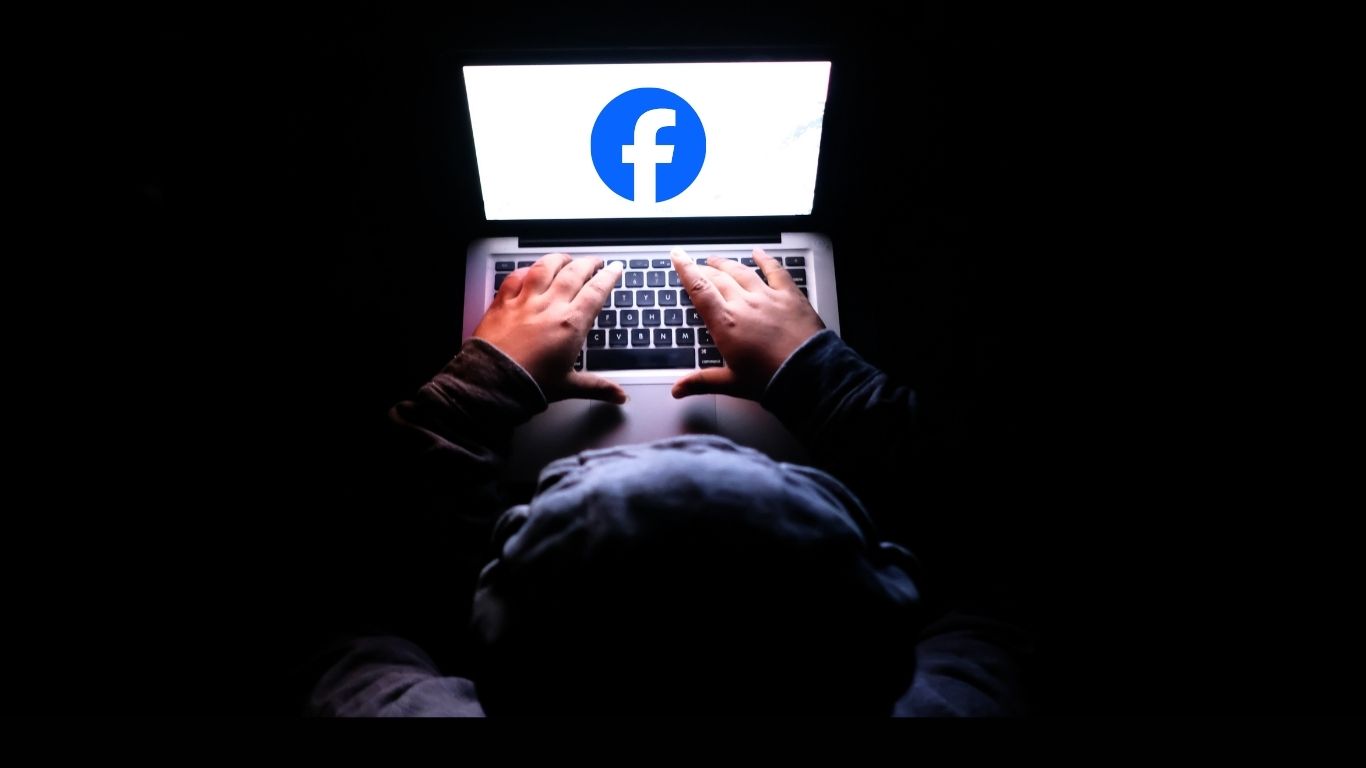
Ground Report of Facebook Account Security: Why do Facebook users need extra security amid rising cyber fraud? The past two years have seen a sharp rise in social media hacking cases in the country. Cyber cell records show that most people are making the same mistakes weak passwords, clicking on fake messages, and granting permission to unknown apps. The result? Millions of Facebook accounts are targeted by hackers.
Why is Facebook Account Protection Important Today?
New Delhi: Social media fraud in India has seen record breaking growth over the past two years. Latest data from the Cyber Cell shows that thousands of Facebook accounts are being hacked every day and those who don’t use the correct security settings are suffering the most.
Why is Facebook account security more important today than ever? Here are six key reasons:
1. The Easiest Route to Online Fraud Your Facebook Account
Hackers now target your Facebook account first, not banking apps.
Because:
- They gain trust by looking at your friends list
- They can send fake payment messages
- They can ask people for loans (in your name)
Meaning: With one hacked Facebook account, a hacker can directly defraud 10–50 people.
2. Identity Theft is On the Rise
Cybercriminals are copying your:
- Profile photo
- Personal information
- Mobile number
- Photos
- and misusing your identity.
These crimes are being used in job scams, romance scams, and even UPI fraud.
3. Facebook is Now the Key to Your Digital Life
People log in to many places through Facebook:
- Gaming apps
- Food apps
- Dating apps
- Shopping accounts
If Facebook is hacked, all other accounts are at risk.
4. The Threat From Public Wi-Fi and Free Networks has Multiplied
As free Wi-Fi becomes common, cases of ‘session hijacking’ are increasing.
Hackers can steal your account by using the same network without knowing your password.
5. AI Based Fake Messages and Deepfake Scams Have Increased
In 2025, AI has made cybercrime easier:
- Fake voices
- Fake videos
- Fake offers
- Links that look too real
These are all being used to defraud people.
6. Your Personal Information is the Biggest Target On Facebook.
Photos, location, friends, relationships, work information all are goldmines for hackers. They can be sold or used for blackmail.
Facebook Account Protection Steps
Meanwhile, experts have suggested some security measures for Facebook users, which can keep your account secure by up to 90%. Our team has tested and verified these measures and included them in this report.
1. Lock first: Two-Factor Authentication (2FA)
Cyber experts say, “Using Facebook without 2FA turned on is like leaving your house without locking it.”
How to turn it on:
- Settings → Security & Login → Two-Factor Authentication → SMS/Auth App
- This feature adds OTP verification before logging into your account, eliminating half of hackers’ attempts.
2. Keep Your Password Strong and Unique
Research has found that 70% of people’s passwords are the same 123456, date of birth, or name@123. Even an intern hacker can crack these.
Strong Password Formula:
- 12+ Characters
- Numbers + Symbols
- Uppercase + Lowercase
- Password should not be from another site.
3. Turn On Login Alerts From Unrecognized Devices
This feature immediately alerts you if someone tries to access your account from another phone or laptop. It’s important to know Many hackers log in first, then change their password. Login Alerts detects this trick immediately.
- Settings → Security → Get Alerts About Unrecognized Logins
4. Beware of Fake Messages, Links, and Offers
Fake messages that say:
- “Your account will be disabled. Click to verify!”
- “You won a prize!”
These aren’t sent by Facebook. They’re sent by hackers trying to trick you into giving up your login information with one click. Never click on such links.
- Report → Delete → Block
5. Don’t Give Unnecessary Permissions to Third Party App’s
35% of hacking comes from apps that users “allow” game apps, quiz apps, photo filter apps.
- Settings → Apps and Websites → Remove unnecessary apps.
6. Don’t Use Public Wi-Fi
Investigations have found that users who log in via public Wi-Fi are most likely to be hacked. Hackers can copy your Facebook session while on the same network.
7. Strengthen Your Privacy Settings
- Friends Only profile
- Timeline review on
- Tag review on
- Public search off
This prevents your posts, photos, and information from falling into the wrong hands.
8. Does Your Account Already Look Suspicious?
If you suspect someone is using your account, immediately:
- Log out of all devices
- Change your password
- Turn on 2FA
- Recent Activity Check
- Report to Facebook
- Clear your browser cache
These steps will immediately break the hacker’s grip.
Conclusion
Every day, millions of people on Facebook are falling victim to hacking due to fake links, weak passwords, and poor digital habits. But the truth is keeping your account secure is very easy; it just takes a little awareness and a few correct settings. If you follow all the security steps mentioned above, your Facebook account becomes extremely secure and nearly impossible for hackers to access.
FAQ’s of Facebook Account Security
Q1. What are the main reasons for Facebook account hacking?
Weak passwords, clicking on fake links, granting permission to third-party apps, and logging in from public Wi-Fi are the main reasons.
Q2. Does Two-Factor Authentication make Facebook accounts secure?
Yes, by turning on 2FA, hackers require an OTP along with the password, reducing the risk of hacking by 90%.
3. How to recognize signs of a Facebook account hack?
Unknown device logins, automatic password changes, unwanted posts appearing, and changes to profile settings these are all signs.
4. What is the easiest way to keep your Facebook account secure?
Setting up a strong password, 2FA, login alerts, and privacy settings correctly is the most effective way.
5. Is it safe to log in to Facebook from public Wi-Fi?
No, your session is at risk of being stolen on public Wi-Fi. Always use your mobile data or a secure network.
6. What to do if your account is hacked?
Immediately log out of all devices, change your password, turn on 2FA, remove suspicious apps, and report it to Facebook.